
Features
Pekko turns any screen with a web browser into digital signage you control from anywhere.
Manage everything from one dashboard
See your screens, media, playlists and schedules at a glance, from your computer or phone.
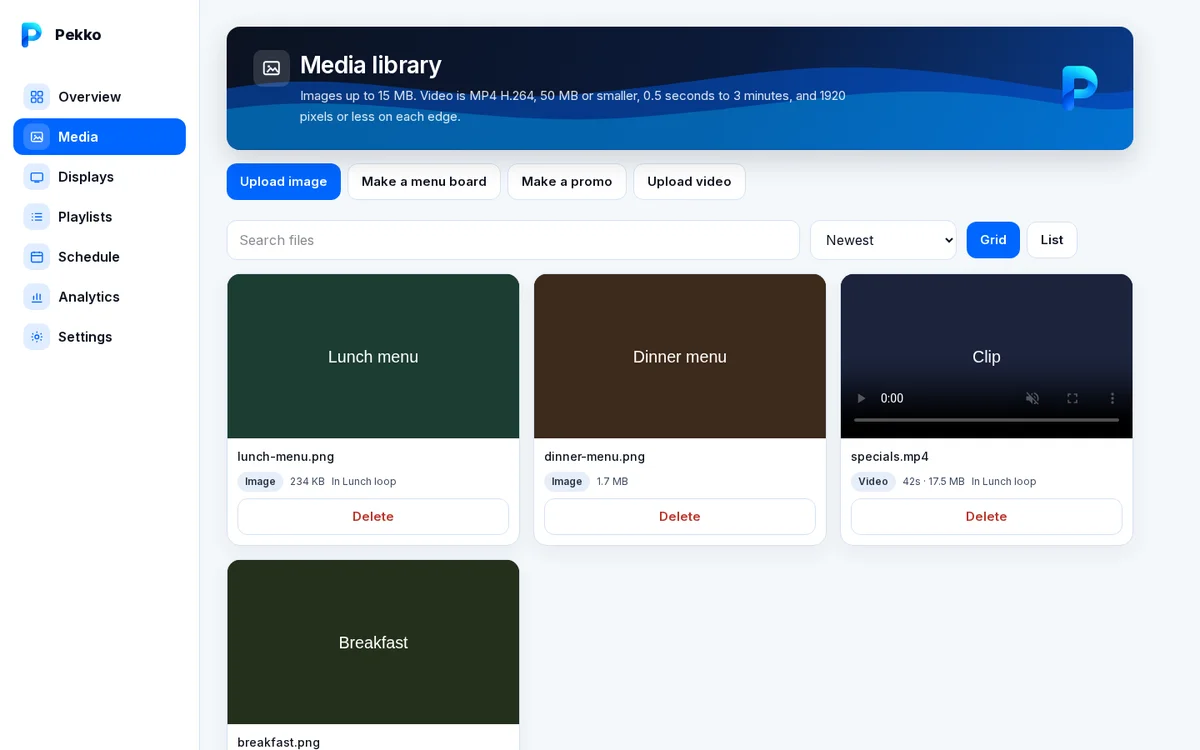
Media library
Upload images and MP4 videos once and use them on any screen.
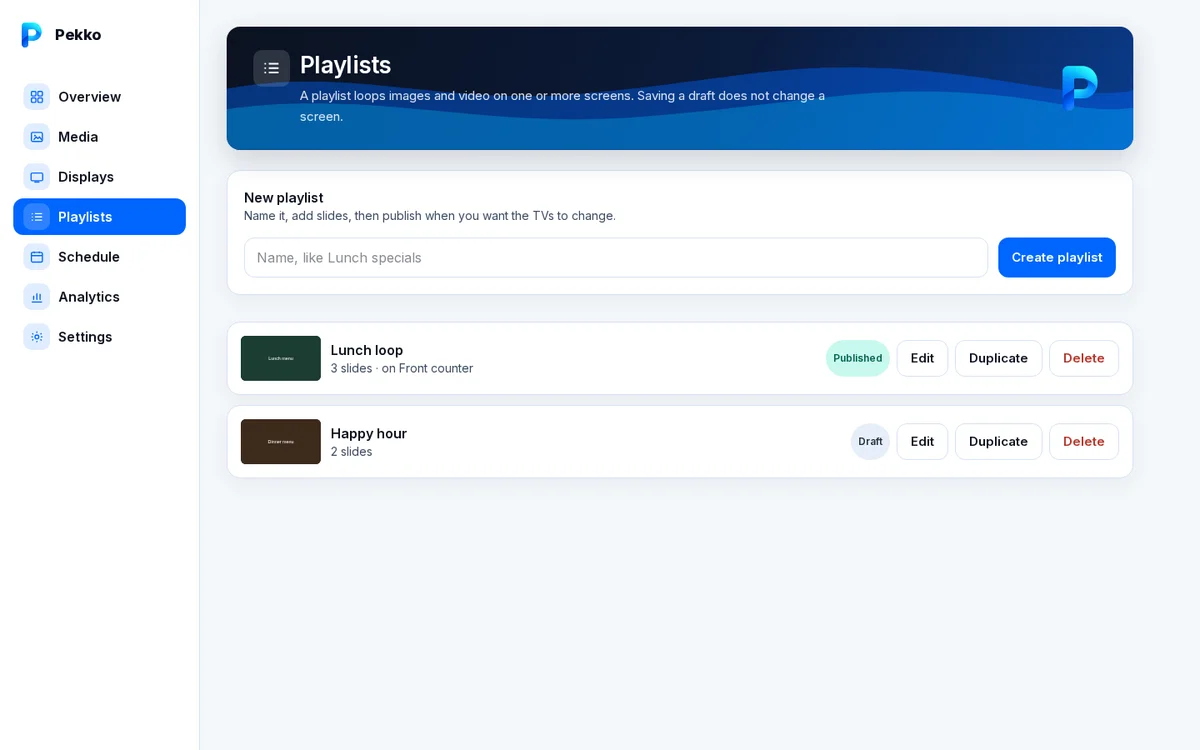
Playlists
Arrange slides, set how long each one shows, and publish to one screen or many.
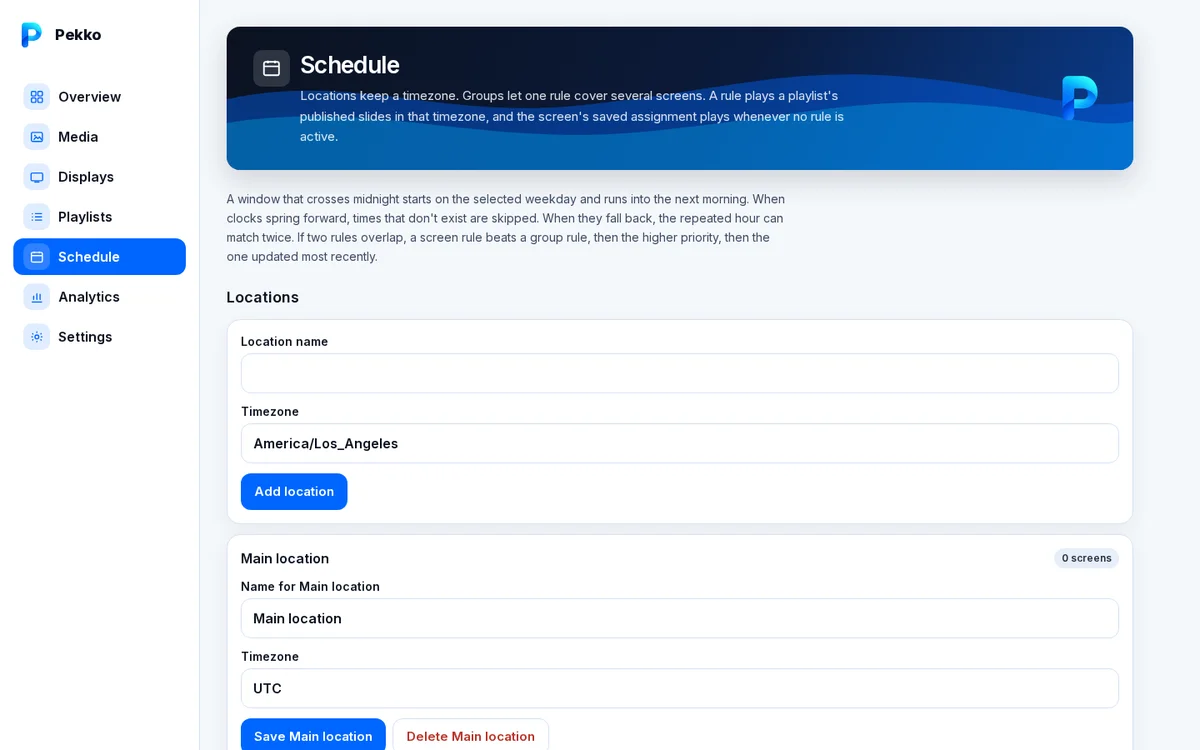
Schedules
Run different playlists by weekday and time of day, per location and time zone, for single screens or groups.
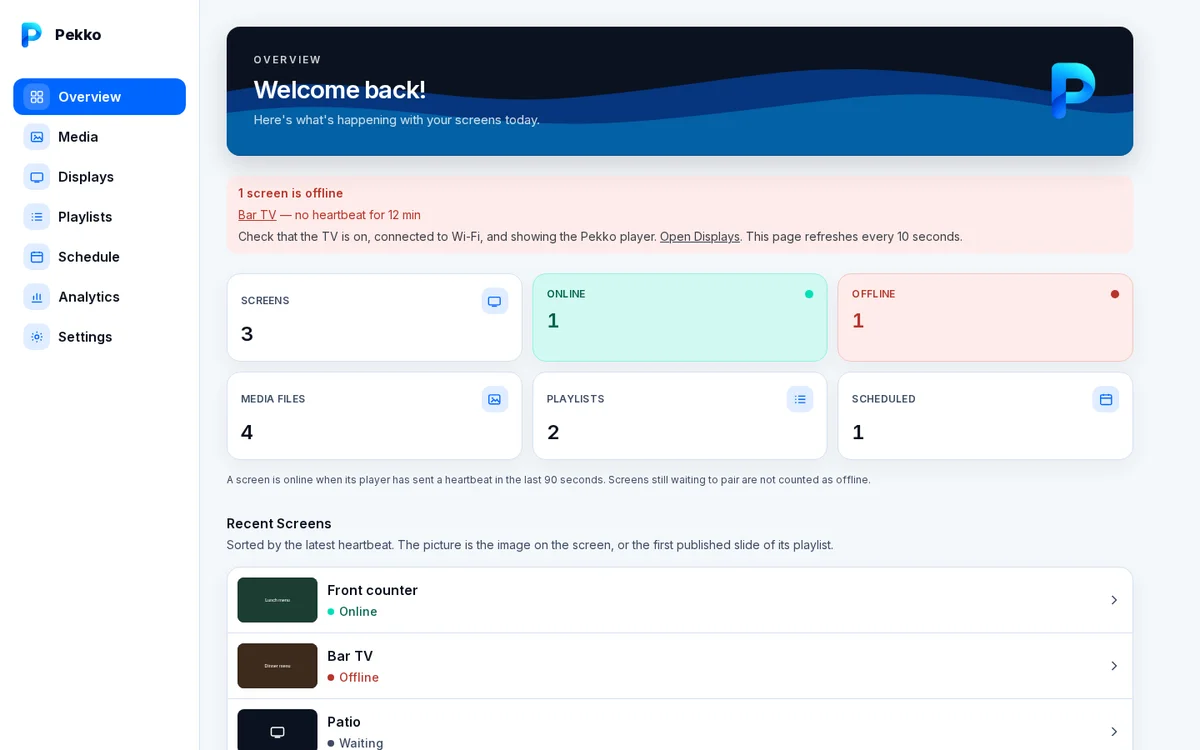
Screens and status
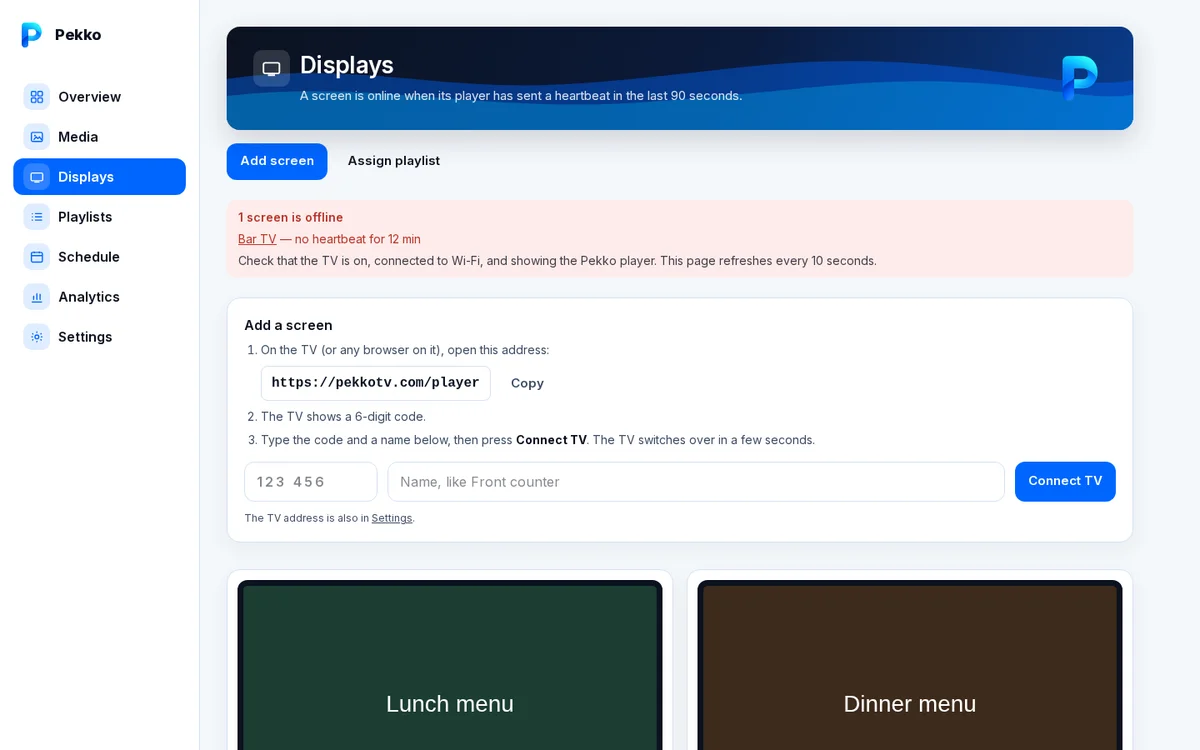
Pair a screen with a 6-digit code, see what each one is playing, and get an alert when one goes offline.
On the TV
The player runs full screen in the browser and keeps playing saved content if the internet drops.
All features
Any screen with a web browser
Smart TVs, tablets, computers and TV sticks run the Pekko player in their browser. Open the player, type the 6-digit code into your dashboard, and the screen is paired.
Images, videos and menu boards
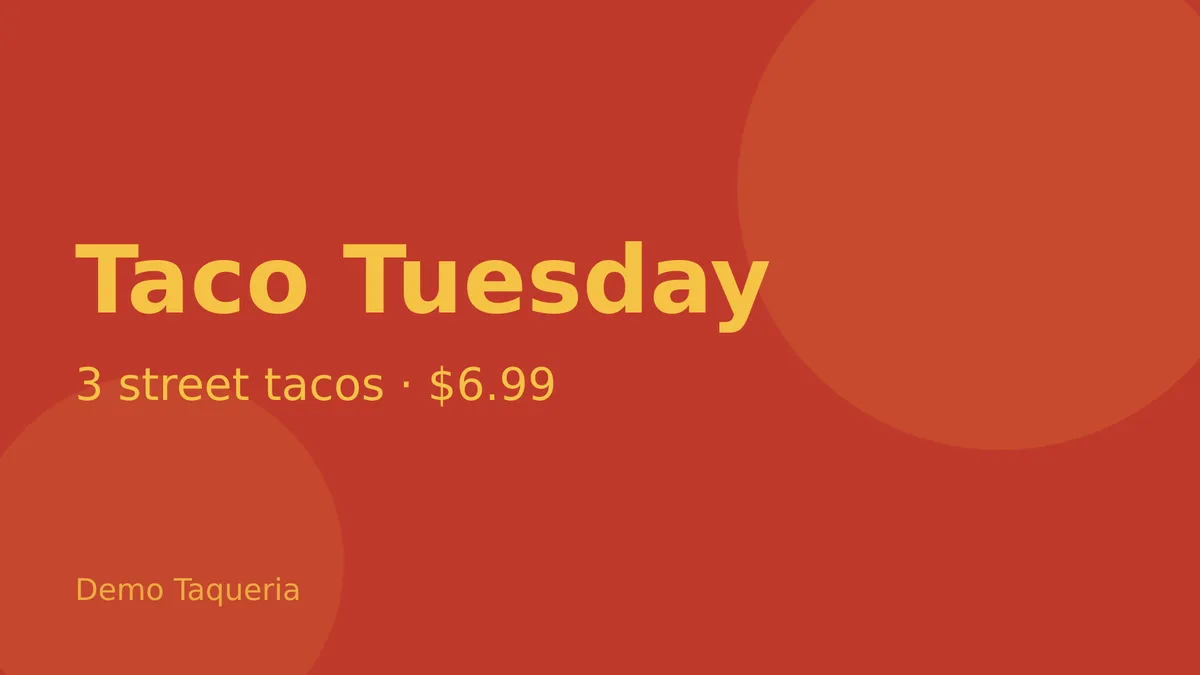
Upload images and MP4 videos to your media library, or build digital menu boards from ready-made templates.
Playlists
Arrange slides, set how long each one shows, and preview the result before you publish it to your screens.
Schedules
Show breakfast in the morning and dinner at night. Schedule playlists by day and time for single screens or screen groups, per location and time zone.
Multiple screens and locations
Manage every screen from one dashboard. Group screens and run different content in each location.
Remote management
Change what's playing from your phone or computer. Screens pick up published changes on their own, usually within a minute.
Screen status and alerts
See which screens are online, what each one is showing, and get an alert in your dashboard when a screen goes offline or comes back.
Keeps playing offline
If the internet drops, the player keeps showing saved content and catches up when it reconnects.
Uptime and activity
Analytics show screen uptime, what's on each screen, and recent activity in your account.